
 CAD
CAD
 USD
USD
 EUR
EUR
Free Anti-AI Text Maker
People read the blur. Machines read the decoy. Type any message and this tool hides it inside a hybrid image, your real words become a soft ghost that human eyes read at a distance, while AI scrapers and OCR lock onto a sharp decoy made of lookalike letters. Download a flat png where your text never exists as data. No watermarks, no signup.
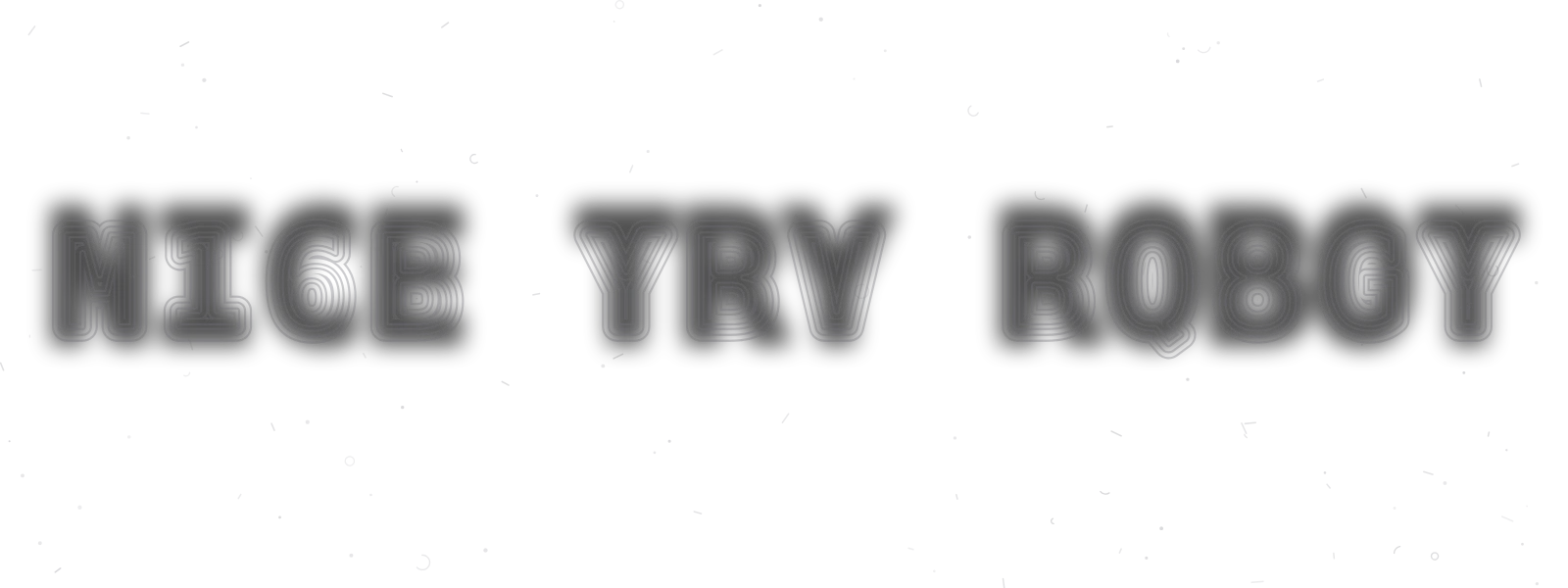
Squint or step back and the real message appears
Type a message, hide it in plain sight
Hit generate, then drag the zoom down and watch the decoy dissolve into your real words.
Themes
Your own colors
Zoom out until the outlines dissolve into the real words. Exports a flat png, so the message never exists as selectable text inside the file. It slows automated reading, it is not encryption.
What is anti-AI text, and how the hybrid trick works
As scrapers, crawlers, and multimodal models read everything posted online, a countermovement is designing for human-only legibility. Artists run anti-AI filters over their work, and the same instinct powers the anti-AI fonts movement in typography. This tool applies it to your words, a message machines misread and people enjoy decoding.
Two messages, two audiences
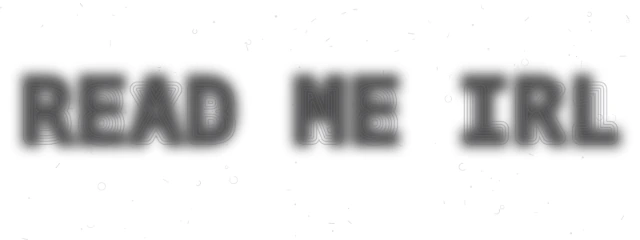
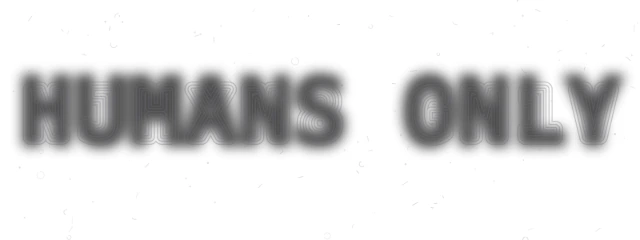
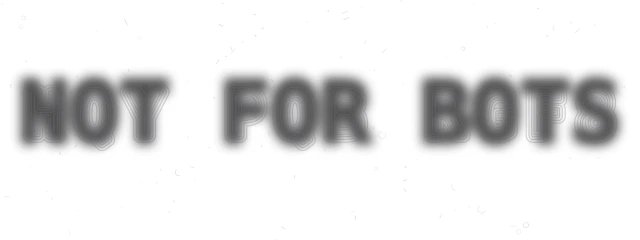
Hybrid images exploit how vision works at different distances. Up close, your eye and any OCR engine feed on fine detail, the sharp decoy rings. Far away, detail collapses and only broad masses of light and dark remain, which is where your real message lives. The zoom slider simulates that distance, so you can tune exactly when the reveal happens.
Why machines fall for it
Text recognition pipelines are built to find high contrast edges and match them to letterforms. The decoy hands them exactly that, confident strokes shaped like the wrong characters, while the real message hides in soft gradients they are trained to ignore as background. The scattered camouflage marks push the noise floor higher still.
Honest about the limits
This is obfuscation, not encryption. Anyone holding the image can zoom out and read it, that is the fun. What it resists is bulk automated reading, the silent indexing of usernames, addresses, and plans inside screenshots. It is also a screen technique, print a sign and any camera far enough away loses the decoy detail, leaving only the human-readable blur. For the physical version, put it on die cut stickers or business cards people have to step back from.
Frequently asked questions
Yes. Typing, styling, and downloading your image is completely free. Everything runs in your browser, so your message is never uploaded, and there is no watermark, signup, or limit on how many you can make.
Anti-AI text is a message designed to be read by people but resisted by machines. This tool builds it as a hybrid image, your real words become a soft blurred layer that human eyes assemble at a distance, while a sharp decoy message sits on top for edge-hungry scrapers and OCR to latch onto.
Three layers work together. Your real message is rendered as a soft ghost that carries the low frequency shape of the words. A decoy message, built by swapping every letter for a lookalike character, is drawn as sharp concentric outlines. Camouflage marks add meaningless edges on top. Machine readers follow the sharp edges and transcribe the decoy, people squint and read the ghost.
Zoom out, squint, or step back from the screen. As the fine detail in the outlines collapses, the blurred mass of the real words takes over and the message appears. The zoom slider under the preview does exactly this, drag it down until the decoy dissolves.
It slows automated reading, it is not encryption. The exported file is a flat png, so your message never exists as selectable text inside it, and standard OCR locks onto the decoy characters. A determined person with the image can still zoom out and read it, which is the point, it filters machines, not humans.
For people, yes, and it is honestly even more fun in print. For fooling AI, no. The decoy only works when a machine reads the image at full resolution, pixel for pixel, which is what happens on screens. Photograph a printed sign from across the room and the camera cannot resolve the fine decoy detail, all that survives is the soft blur of your real words, exactly what a person sees, so a capable AI reading that photo reads what a human reads. Treat print as the squint-to-read party trick and screens as the protection.
No. This tool never rewrites your words. AI humanizers change what your text says so it passes detectors. This does the opposite job, it protects how your text is read, wrapping your exact message in a layer that machine readers misread.
More free tools for your next project
 Image to pixel artPixelate any photo with retro palettes, then download PNG, SVG or animationNew
 Font generatorCopy and paste fonts for Instagram, TikTok and Discord biosNew
 Gradient makerMake vibrant custom gradients for web and print instantlyNew
 Bitmap makerTurn any photo into 1-bit dither and halftone bitmap artNew
 Pattern generatorTurn any color palette into seamless geometric patternsNew
 RGB to CMYK converterTrue CMYK conversion with a print ready download in seconds
 Background removerCut out the background from any image in one click
 Image upscalerSharpen and enlarge photos up to 4x without losing detail
 Color palette generatorPull HEX, RGB, CMYK, and Pantone codes from any image
 Contrast checkerCheck color contrast for accessible, readable designs
 Convert DOC to PDFTurn any Word document into a print ready PDF instantly
 Business card makerCreate custom business cards and download print ready files
 Sticker sheet makerArrange your designs and print custom sticker sheets
 Sticker makerDesign custom die cut stickers in any shape from your artwork
 Instagram name makerTurn your Instagram handle into a custom sticker in seconds


