
 CAD
CAD
 USD
USD
 EUR
EUR
Free Bitmap Maker
Turn any photo into 1-bit bitmap art free. Dither your image online, add halftone dots, or rebuild it from vector shapes like stars and hearts, then download high resolution PNG, SVG, or PDF. No watermarks, no signup.
Upload image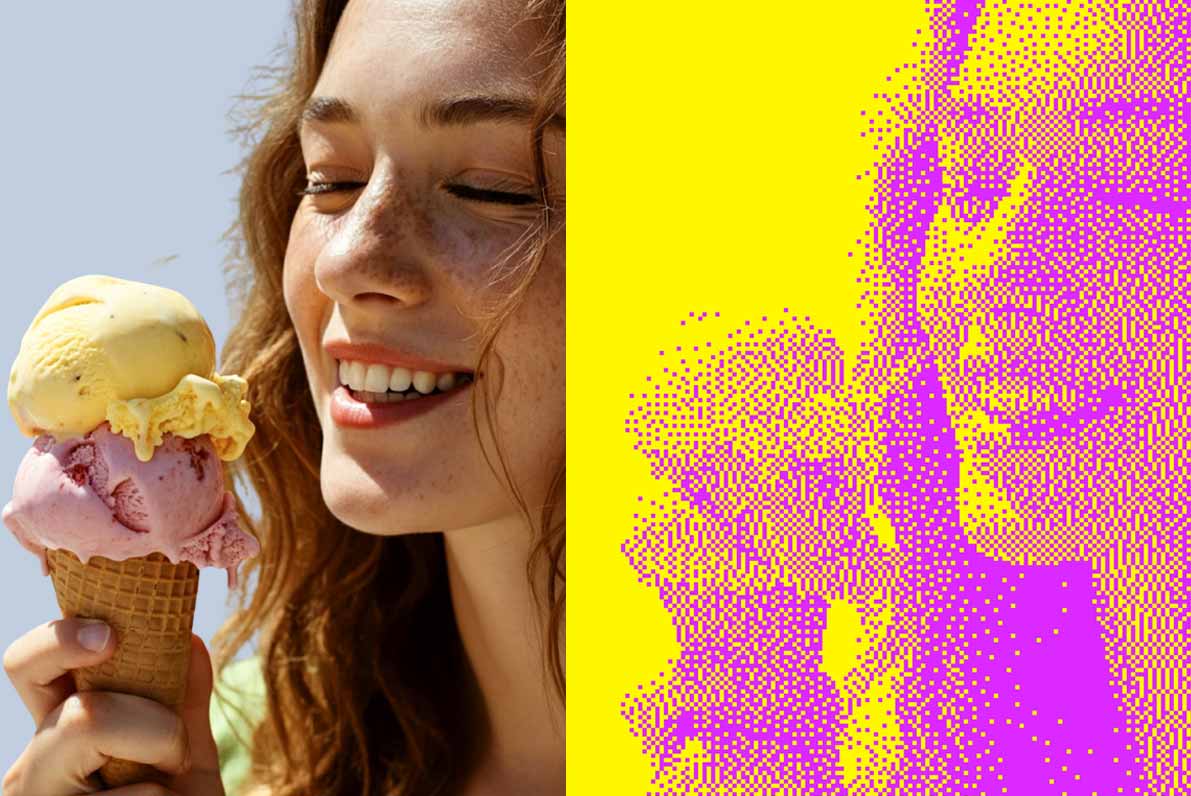
Drop in an image, get a bitmap
Drop in a photo and this free online dithering tool converts it instantly, then pick your style, shapes, and colors.
Shape
Adjust
Colors
Download
Adjust
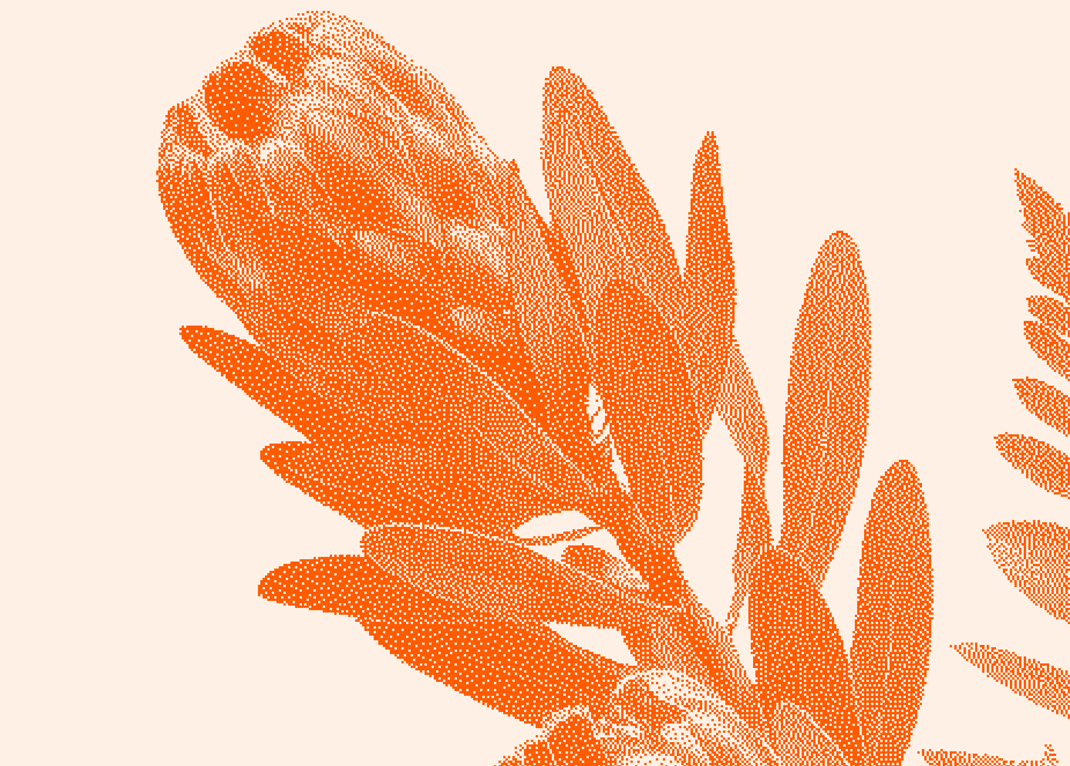 After
After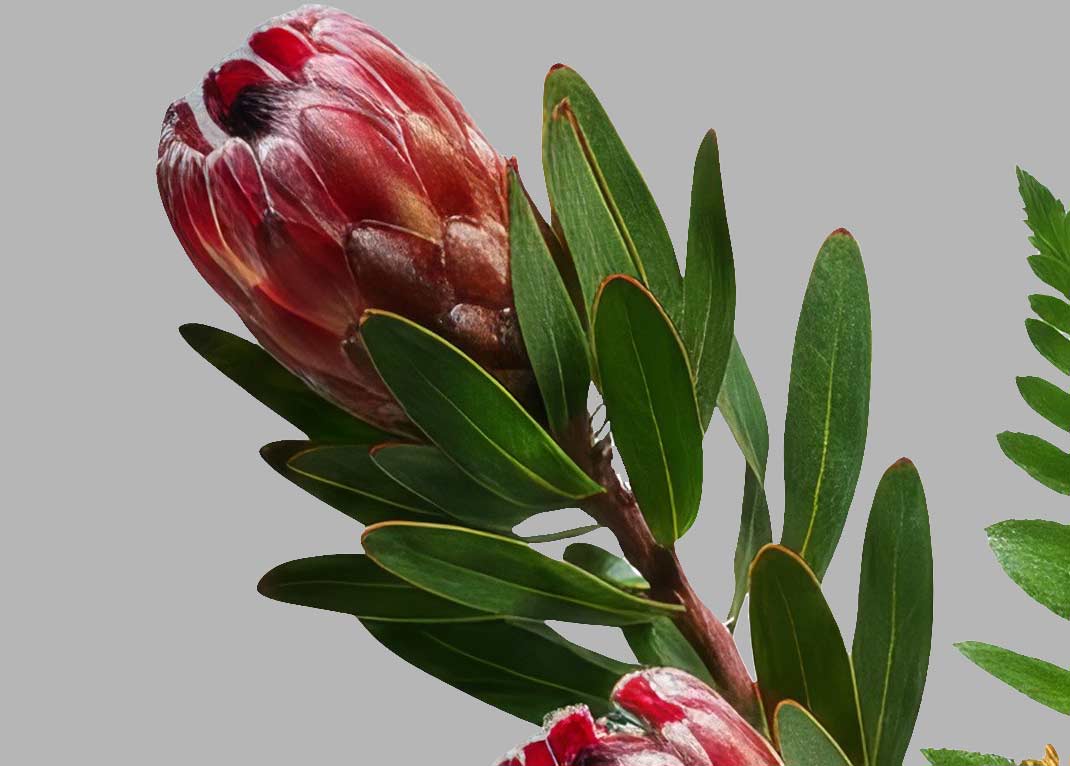 Before
What is a bitmap image, and why dither it
A bitmap image is a picture stored as a grid of pixels, and a true 1-bit bitmap takes that to its purest form, every pixel is either ink or paper, nothing in between. Dithering is the trick that makes that limitation beautiful, arranging those two values in patterns that read as smooth tone from a distance. It is how the first Macintosh drew photographs, how the Game Boy camera saw the world, and how every newspaper photo and risograph print gets made. This bitmap maker brings that whole toolbox into your browser, from error diffusion algorithms like Floyd-Steinberg and Atkinson to ordered Bayer patterns and halftone dot screens, so you can convert any image to bitmap art in seconds, free. Cut your subject out first with the background remover, pull matching colors from any photo with the color palette generator, then send the finished art to the sticker maker or straight onto custom stickers and business cards.
True 1-bit conversion
Every pixel is genuinely ink or paper, not a soft grayscale approximation, so the result prints and screens exactly the way it looks here.
14 dithering styles
Eight error diffusion algorithms, three Bayer matrices, halftone dots, hard threshold, and noise, each previewed live so you can pick by eye.
Vector SVG output
The SVG download turns every pixel into a real vector shape. Scale it to a poster, cut it on a plotter, or keep editing it in any design tool.
Frequently asked questions
More free tools for your next project
 Gradient makerMake vibrant custom gradients for web and print instantlyNew
 Pattern generatorTurn any color palette into seamless geometric patternsNew
 RGB to CMYK converterTrue CMYK conversion with a print ready download in seconds
 Background removerCut out the background from any image in one click
 Image upscalerSharpen and enlarge photos up to 4x without losing detail
 Color palette generatorPull HEX, RGB, CMYK, and Pantone codes from any image
 Contrast checkerCheck color contrast for accessible, readable designs
 Convert DOC to PDFTurn any Word document into a print ready PDF instantly
 Business card makerCreate custom business cards and download print ready files


